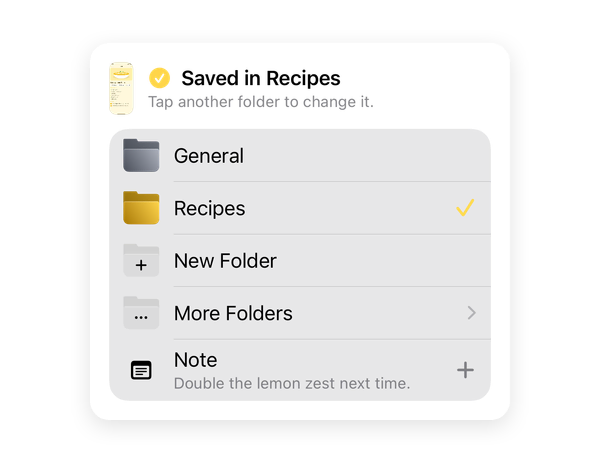
Save with a double tap
Tap the back of your iPhone twice and pick the folder, without leaving the app you’re in. The Action Button and Share › Shotbox work too.
 ShotboxDownload
FoldersNotesSearch
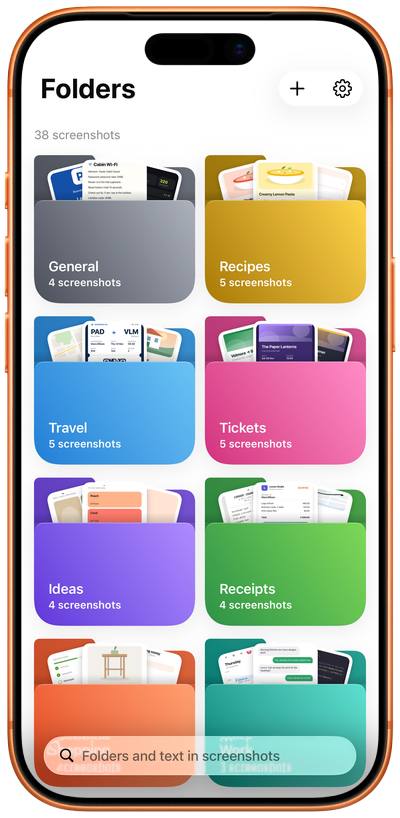
Shotbox puts every screenshot you keep in a folder of its own, so the ones you take to remember something never get lost among your photos. Save it with a double tap and find it later by a word it shows.
Tap the back of your iPhone twice and pick the folder, without leaving the app you’re in. The Action Button and Share › Shotbox work too.
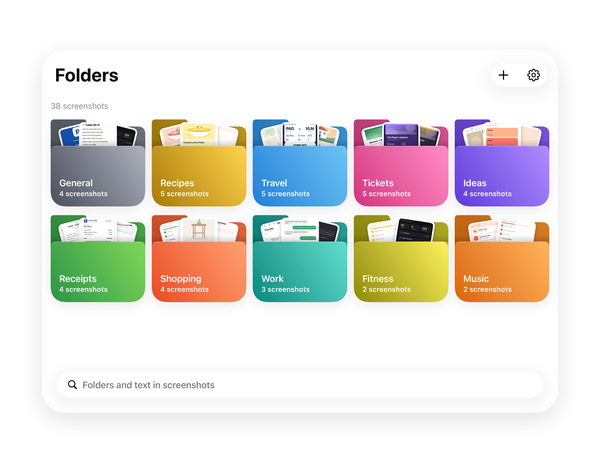
Name each folder and give it one of 18 colours; each one shows its latest screenshots at a glance. On iPhone Duo, more fit in each row.
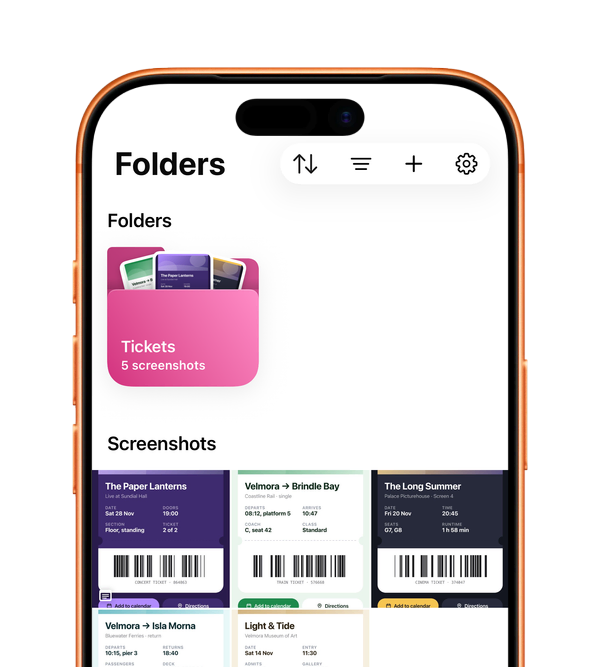
Search for a word you saw and every screenshot that shows it appears. Shotbox reads the text on your iPhone, and searches your notes too.
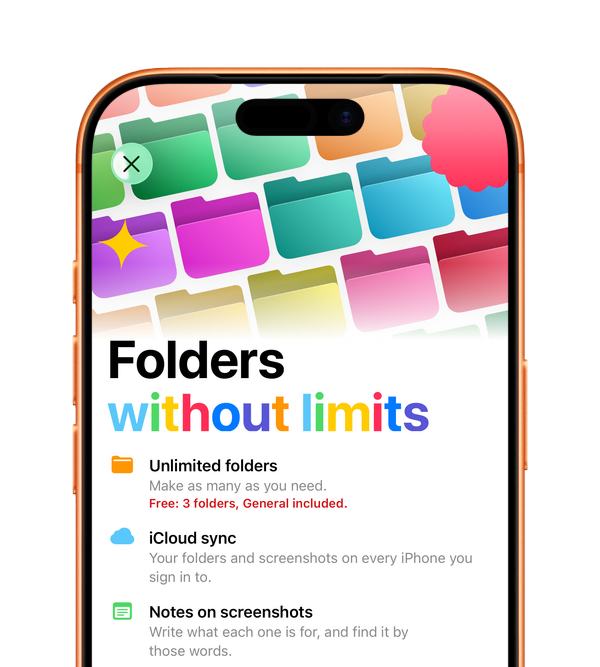
With Pro: unlimited folders, notes on your screenshots and iCloud sync, so your folders and screenshots are on every iPhone you sign in to.
Plans
Download Shotbox and start sorting your screenshots.
3folders
General included, with every way to save and search.
Unlimitedfolders
Notes on screenshots and iCloud sync on every iPhone you sign in to.
Monthly or yearly, at the price the App Store shows before you subscribe. The yearly plan starts with a 7-day free trial for new subscribers; cancel before it ends and you are not charged.
FAQ
Everything you need to set up Shotbox.
Back Tap and the Action Button use the Save Screenshot shortcut. Sharing a screenshot does not need it. Shotbox gives you the shortcut: set it up once.
iPhone 15 Pro and later. With the shortcut added (step 1 above), go to Settings › Action Button › Shortcut › Save Screenshot, then press the Action Button in any app.
You can also run Save Screenshot from the Shortcuts app, with the same result.
If you’d rather not use the shortcut: take a normal screenshot and send it to Shotbox from the share sheet. This one needs no shortcut.
It works the same with any image in Photos, one or several at a time.
Pro belongs to the Apple Account you subscribed with. On a new iPhone, or after installing Shotbox again:
If Shotbox says “Nothing to Restore”, this Apple Account has no Pro subscription. If you subscribed with a different one, sign in with it in the App Store and try again.
Sync needs three things on every iPhone: Shotbox Pro, iCloud signed in, and the same Apple Account. In Shotbox, Settings › iCloud shows where it stands: